 TableGrip
Query & edit
Filtering data
Narrow a table down with typed conditions, relative dates and value suggestions, or with a raw WHERE clause.
Every table viewer has a filter bar above the grid with two modes: Builder and SQL. TableGrip remembers which one you used last.
#Builder
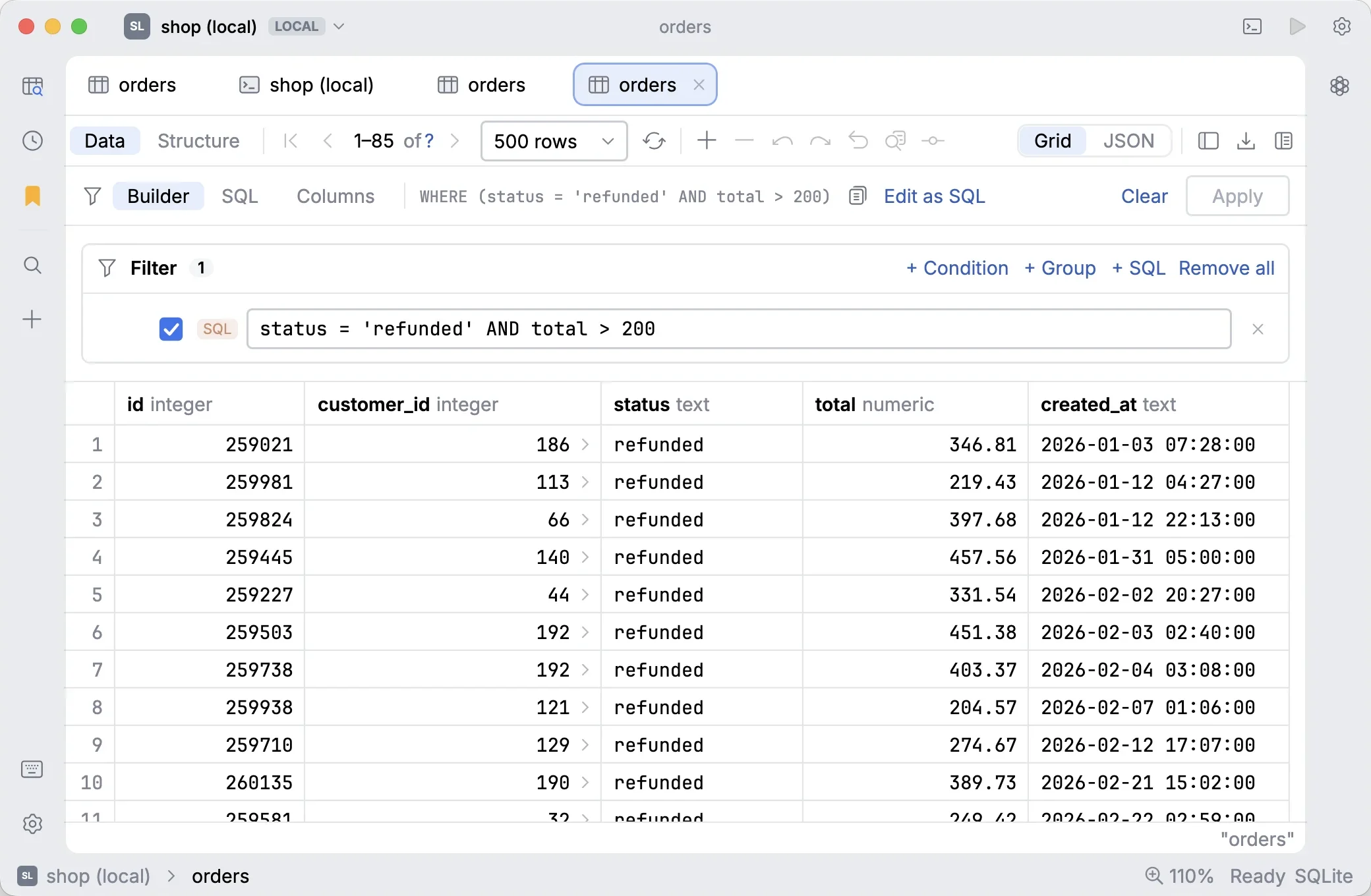
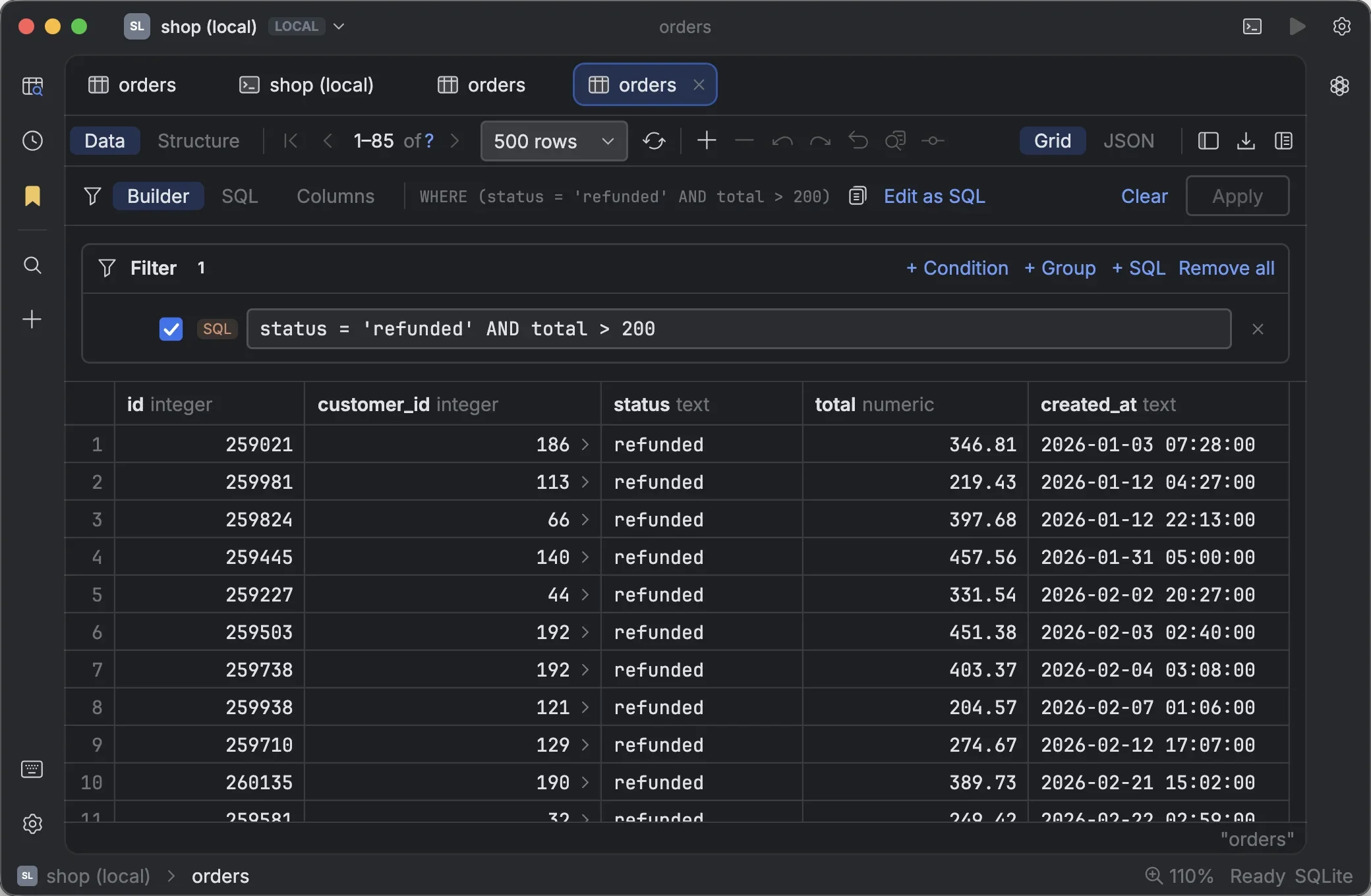
The builder composes conditions as rows of column · operator · value. Combine them as all (AND) or any
(OR), nest groups (a group can be negated), and mix in hand-written SQL conditions where you need them.
Each column's type decides which operators it offers and how its value is read:
| Column kind | Operators |
|---|---|
| Text | = ≠, contains, starts / ends with, is one of, like, regex (PostgreSQL, MySQL), is empty, NULL checks, < > between |
| Number | = ≠ < ≤ > ≥, between, is one of, NULL checks, starts with / contains (as text) |
| Date, date-time | is on / before / after, between, is one of, is today / yesterday / this week / month / year, in the last N days |
| Boolean | is true / false |
| UUID, JSON, enums and others | equality, lists and text matching |
Press ↩ in any field to apply. The compiled WHERE clause is shown below the conditions, ready to copy or
to switch to Edit as SQL.
#Dates
Date fields accept exact values and relative ones:
| You type | Means |
|---|---|
2026-10-28 | That day. On a date-time column, the whole day. |
2026-10-28 13:45:00+07 | That exact moment |
today, now | The start of today, the current moment |
now-2h, today-7d | Two hours ago, seven days before today |
3 months ago | Three months before now |
Units are s, min, h, d, w, mo and y. Relative dates are worked out again on every reload, so a saved
"last 7 days" filter stays current. The field shows what your value resolves to, and offers quick picks.
#Lists, text and suggestions
- Lists (is one of) take commas or new lines. Quote a value that contains a comma, and write
NULLfor null. - Text matching is case-insensitive unless you turn on Aa.
- Value fields suggest real values from the column as you type, or press ⌃ Space.
- Problems are flagged on their row before anything runs, so a typo in a date never becomes a slow query.
Note
Values are always bound as typed query parameters, never pasted into the SQL. A filter value can't break or inject into the query.
#SQL
SQL mode takes a raw WHERE clause with the same completion as the SQL editor, against the table
you're viewing: columns, operators and values from the data. Clauses that can't appear in a filter are left out.
Switching from Builder to SQL carries your conditions over as SQL. Switching back keeps hand-written SQL as a SQL condition inside the builder.
#Quick filters from the grid
Right-click any cell → Filter by This Value adds a typed condition for that column and value.