 TableGrip
Getting started
Overview
What TableGrip is, what it can do, and where to go next in these docs.
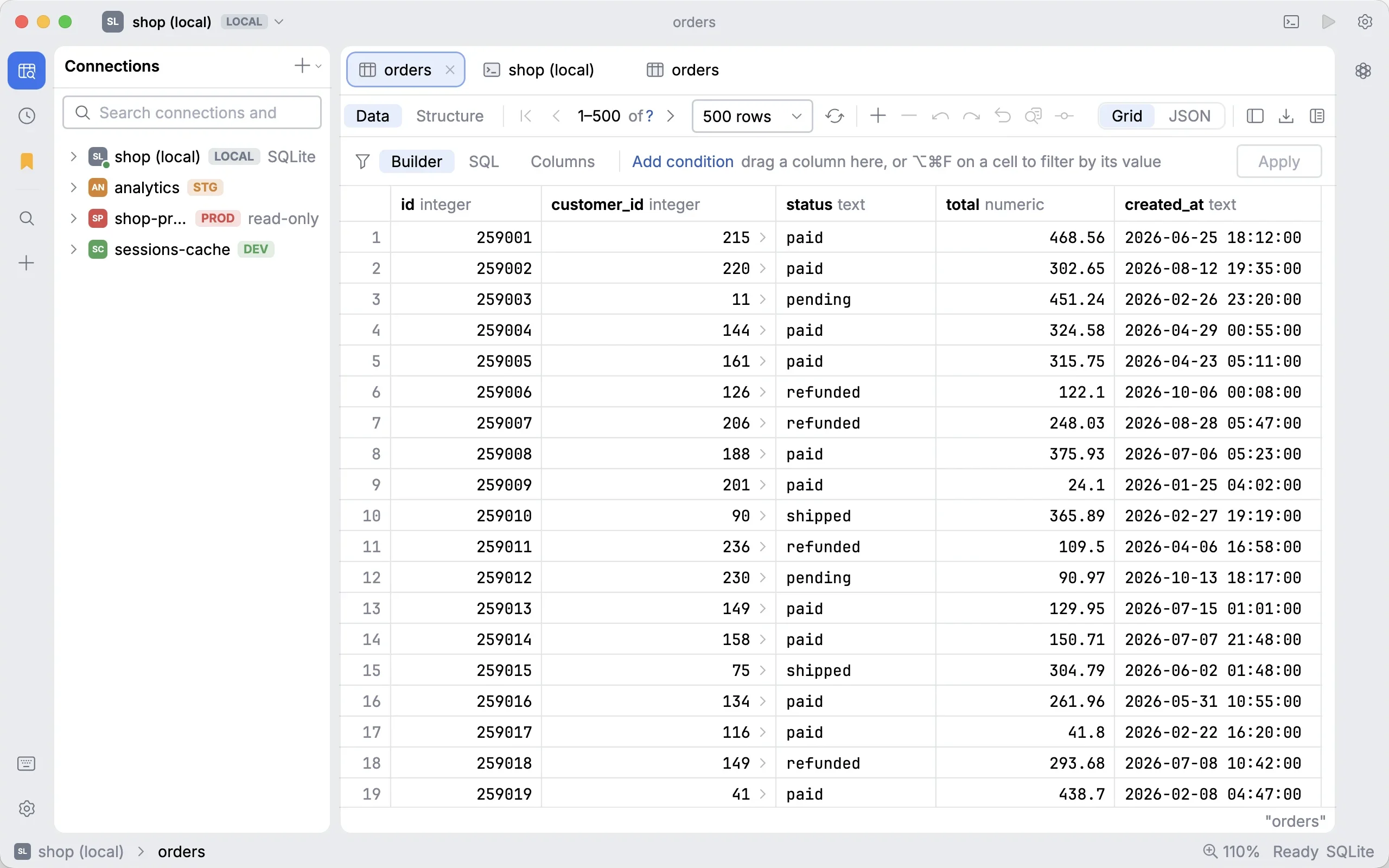
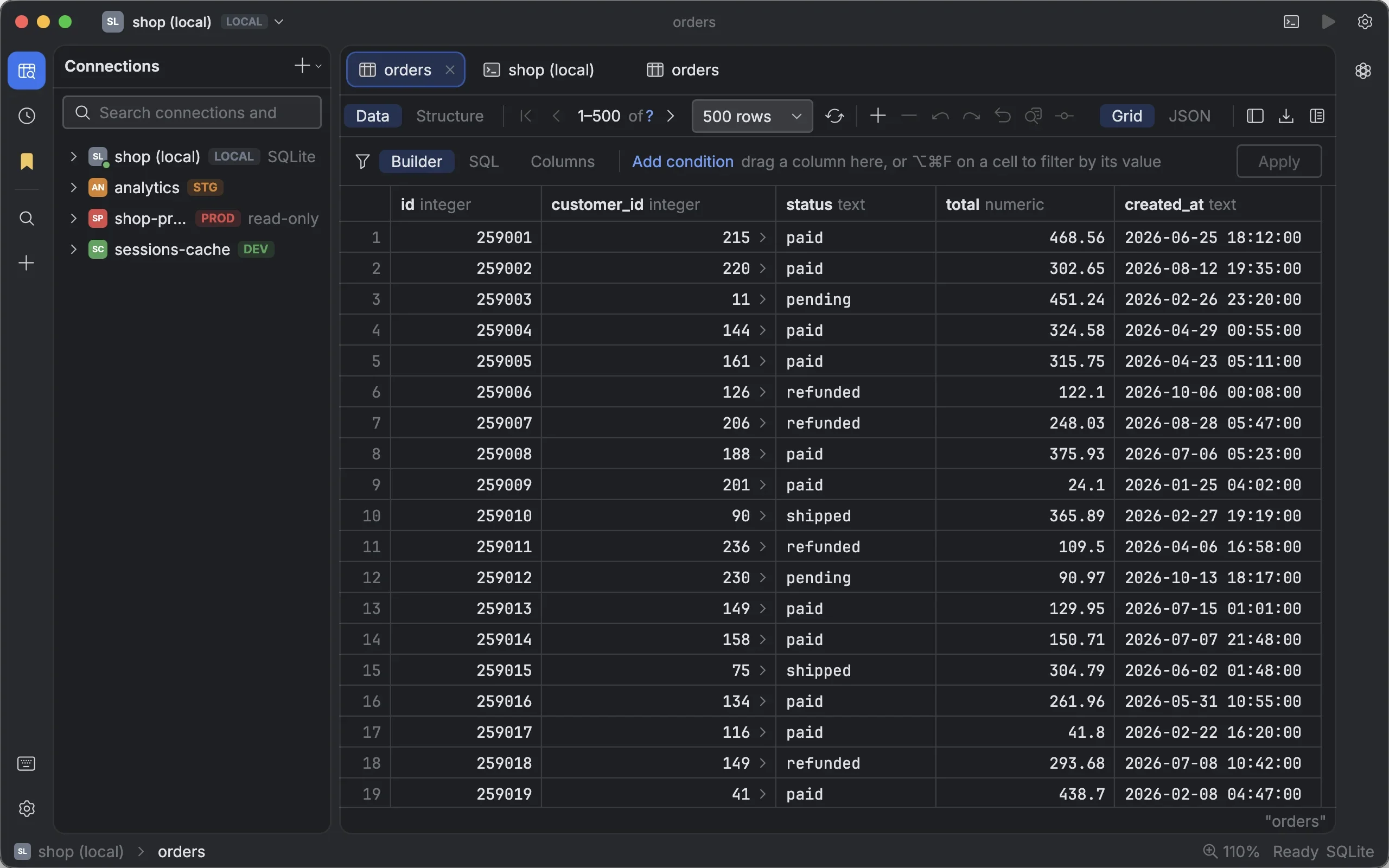
TableGrip is a free, open-source desktop database client for developers. It runs on macOS, Windows and Linux, and connects to PostgreSQL, MySQL, SQL Server, SQLite, MongoDB, Redis and many more. It is built with Kotlin, Compose for Desktop and Jewel, so it looks and feels like the IntelliJ family of IDEs.
#What you can do with it
- Write SQL with help that knows your schema. Completion for tables, columns, aliases and CTEs, whole
JOIN … ONclauses proposed from foreign keys, real values sampled from a column, a formatter,EXPLAIN, and quick fixes for misspelt names. → SQL editor - Edit data safely. Changes in the grid stay pending until you submit them, then run in one transaction. Foreign keys are clickable, and a value panel shows JSON as a tree, binary as hex and images as pictures. → Data grid
- Filter without writing SQL. A typed condition builder that understands dates like
today-7dor3 months ago, or a rawWHEREclause with completion. → Filtering data - Work on the schema. Table designer, schema compare with generated migrations, ER diagrams, data import and a test data generator. → Schema tools
- Look after servers. Live server activity with lock trees, backup and restore through
pg_dumpandmysqldump, and scheduled backups. → Server activity, Backup & restore - Ask an AI agent. Use Claude Code, Codex, Gemini CLI or any compatible API. By default the agent sees your schema, never your data. → AI agent
- Move in quickly. Import connections from TablePlus, DBeaver, DataGrip,
~/.pgpassand.envfiles, or paste any connection URL. → Move from another tool
#Principles
TableGrip is built around a few promises that show up everywhere in the app:
| Promise | What it means in practice |
|---|---|
| Nothing changes until you say so | Grid edits are pending until you submit. Schema changes show their SQL first. Restores go into a new database by default. |
| Safe by default | Production connections ask before writes, read-only connections refuse them, and DELETE without WHERE always asks. See Safety & environments. |
| Your secrets stay in the OS | Passwords live in the macOS Keychain, Windows Credential Manager or the Linux Secret Service, never in TableGrip's files. |
| No surprise downloads | No database driver ships with the app. The one you need is downloaded on first connect and checked against a pinned SHA-256. |
| Plain files you own | Settings, saved queries and history are readable JSON and .sql files in ~/.tablegrip/. |
#Find your way around these docs
| If you want to… | Start here |
|---|---|
| Install TableGrip and connect for the first time | Installation, then Quick start |
| Bring your connections from another app | Move from another tool |
| Learn the editor, the grid and filters | Query & edit |
| Use the AI agent and understand what it sees | AI agent, What the agent can see |
| Work faster with the keyboard | Keyboard shortcuts |
| Fix a problem | Troubleshooting & FAQ |
| Build the app or contribute | Build from source, Contributing |
Note
Shortcuts in these docs are written for macOS. On Windows and Linux, use Ctrl where you see ⌘.
#Free and open source
TableGrip is released under the Apache License 2.0. The source code, issue tracker and releases are on GitHub. If it saves you time, you can support its development through GitHub Sponsors, Ko-fi or PayPal.