 TableGrip
Schema & operations
Table structure
See a table's columns, indexes, keys, constraints, triggers and DDL, read from the database's own catalog.
Every table tab has two views, switched at the top left of its toolbar: Data (the rows) and Structure.
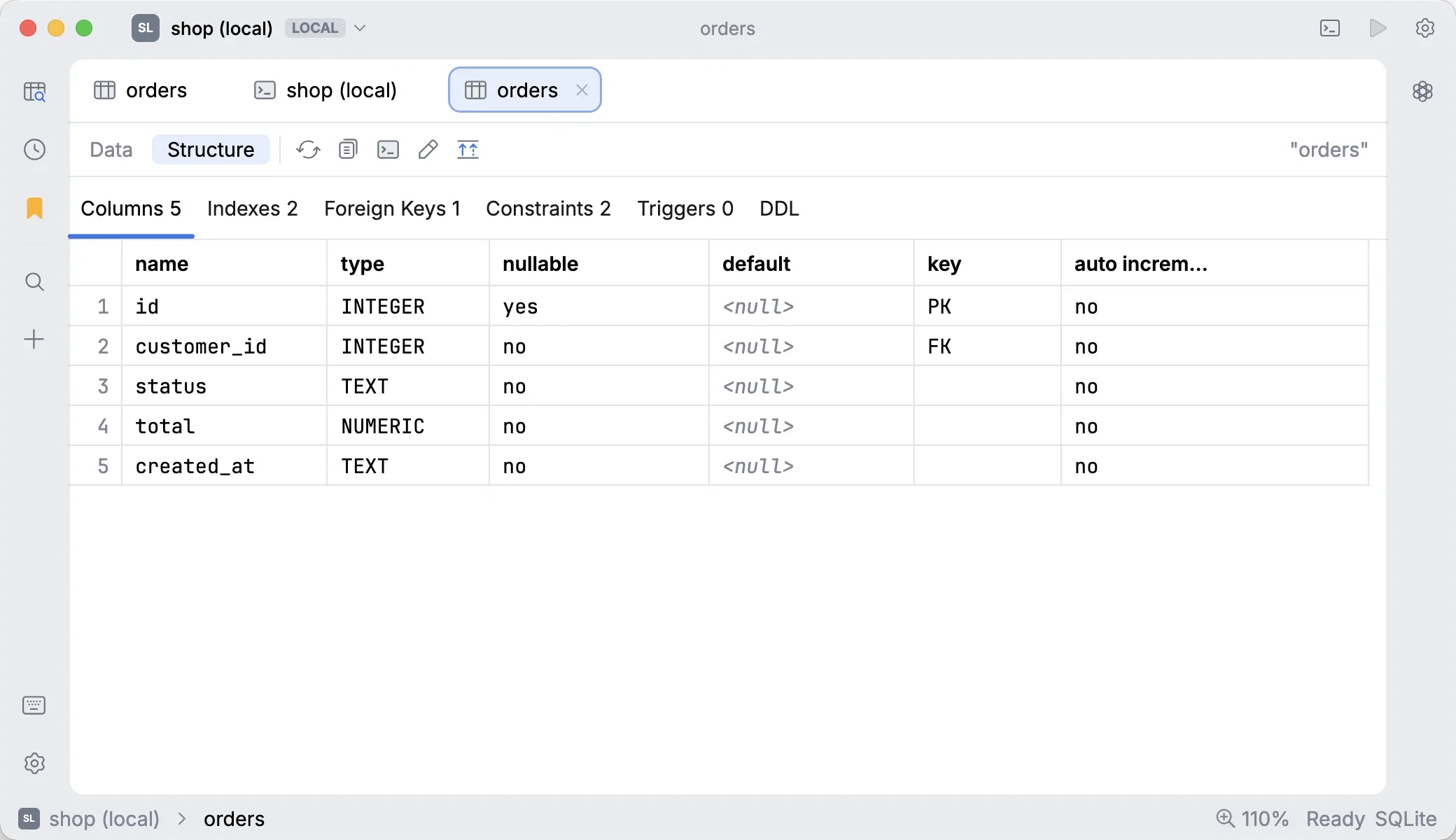
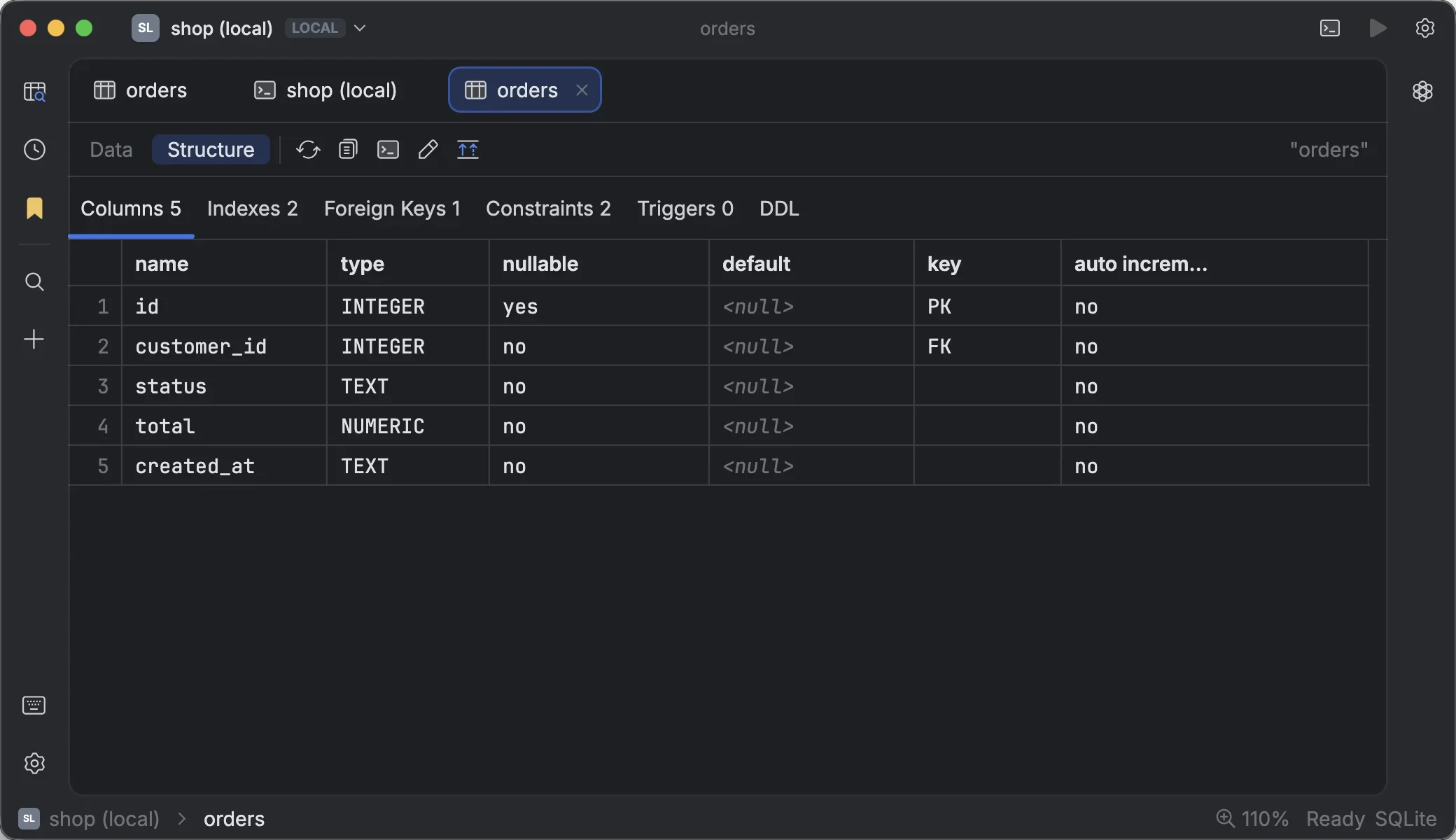
#What Structure shows
| Section | Contents |
|---|---|
| Columns | Every column with its type and properties |
| Indexes | Each index and the columns it covers |
| Foreign Keys | The table's foreign keys and what they reference |
| Constraints | Primary key, unique, foreign key, check and exclusion constraints |
| Triggers | Each trigger and its definition |
| DDL | The CREATE TABLE statement for the table |
Everything is read from each engine's own catalog rather than a generic driver API, so details such as exclusion constraints and trigger bodies are exact:
- PostgreSQL:
pg_constraint,pg_triggerand thepg_get_*deffunctions; the DDL is assembled from them. - MySQL / MariaDB:
SHOW CREATE TABLEandinformation_schema. - SQLite:
sqlite_master.
From the toolbar you can copy the DDL or open it in a new console.
#Opening Structure from the explorer
Right-click a table in the explorer:
- Open Structure opens the table on its Structure view.
- Show DDL opens it on the DDL section; Copy DDL copies it without opening anything.
- Edit Structure… opens the table designer.
Double-click a column, index or foreign key in the explorer to open the matching section directly.
Tip
A table opened on Structure doesn't load any rows until you switch to Data, so it's cheap to inspect even huge tables.
#Changing the structure
The pencil in the Structure view (or Edit Structure…) opens the table designer, which previews every change as SQL before applying it. See Schema tools.