 TableGrip
Make it yours
Settings
Every page and option in Settings, with its default, and how to edit settings.json by hand.
Open Settings with ⌘ , (Ctrl Alt S on Windows and Linux), or the gear in the title bar. Settings replaces the workspace while it's open; Esc or ⌘ W closes it.
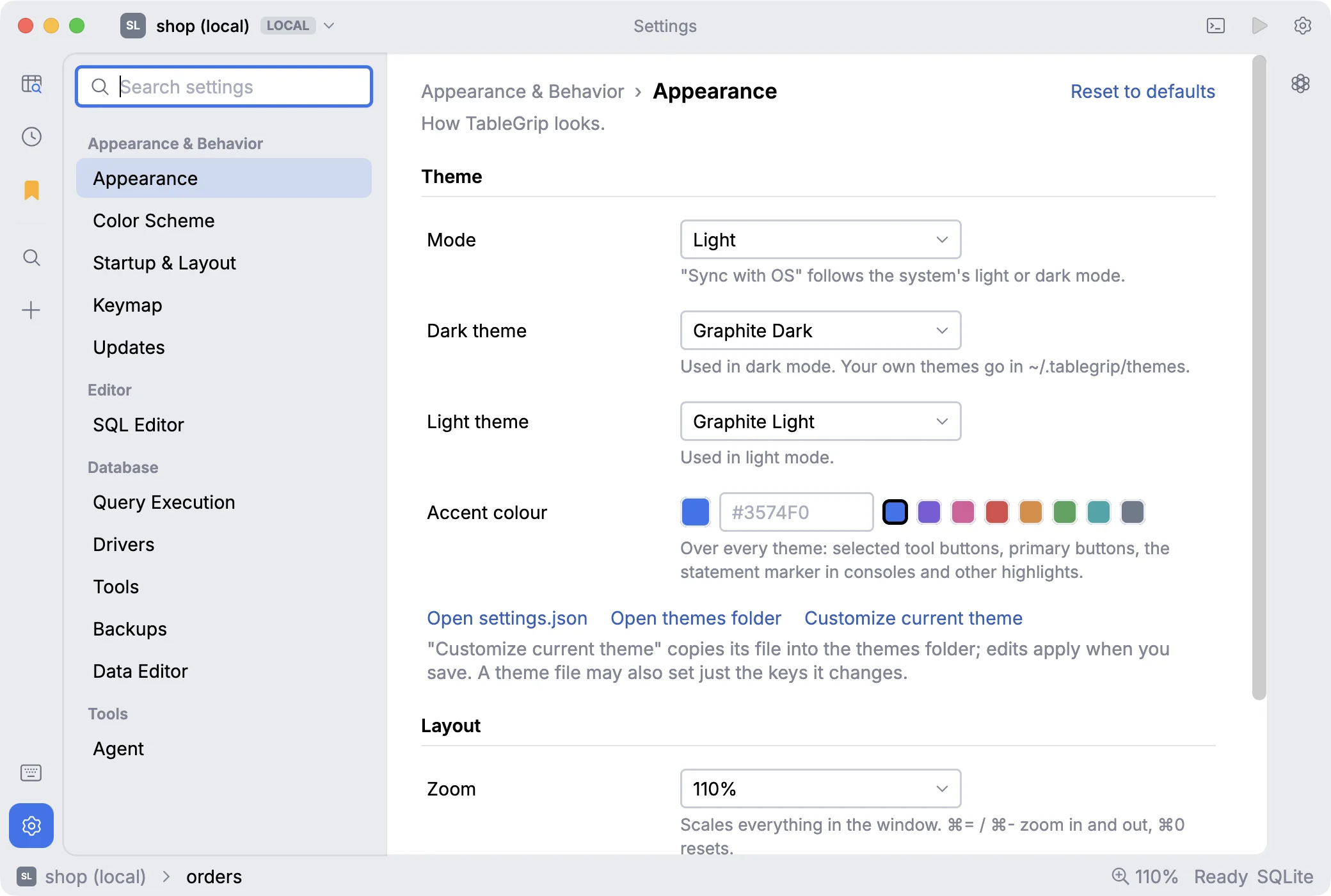
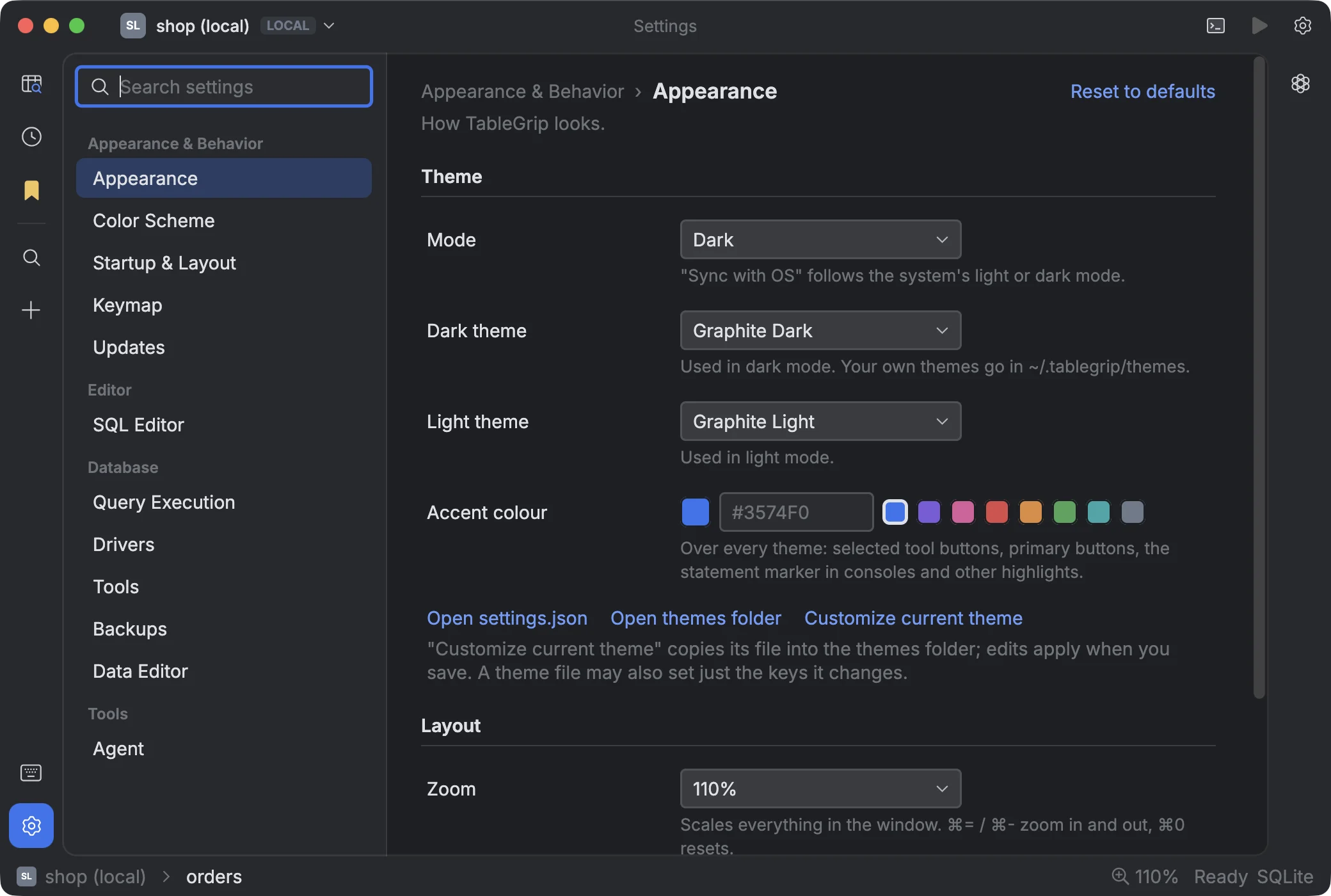
Use Search settings at the top of the sidebar to find an option by name. Every page has a Reset to defaults link. Changes apply immediately; there is no Save button.
#Appearance & Behavior
#Appearance
| Option | Default | Choices |
|---|---|---|
| Mode | Sync with OS | Sync with OS, Light, Dark |
| Dark theme | Graphite Dark | Any dark theme |
| Light theme | Graphite Light | Any light theme |
| Accent colour | The theme's own | Any colour |
| Zoom | 100% | 50% to 300% |
| Font size | Default | Default, or 11 to 16 pt |
| Panel corners | Rounded | Square, Slightly rounded, Rounded, Very rounded |
Links on this page: Open settings.json, Open themes folder and Customize current theme.
#Color Scheme
- Scheme: the colours of SQL syntax, with a live preview. Theme's own follows the theme.
- Dark theme colours and Light theme colours: override the colour of each kind of SQL token (keywords, strings, numbers, comments…).
- Environments: the badge colours for Local, Development, Staging and Production. See Safety & environments.
#Startup & Layout
| Option | Default |
|---|---|
| Reopen tabs | On |
| Tool window at start | As last time (or None, Connections, Query History, Saved Queries) |
| Agent chat at start | Closed (or Open, As last time) |
| Remember window size | On |
| Remember panel widths | On |
| Breadcrumbs in the status bar | On |
| Selection summary in the status bar | On |
The Tool stripe section shows, hides and reorders the buttons on the far left.
#Keymap
- Preset: TableGrip, DataGrip / IntelliJ, or VS Code.
- A searchable table of every action ("Search actions or keys") where you can change a shortcut, see clashes, and reset one action at a time.
See Keyboard shortcuts.
#Updates
| Option | Default |
|---|---|
| Check for updates automatically | On |
| Download and install updates automatically | On |
| Channel | Stable (or Beta, which includes pre-releases) |
The page also has Check for Updates, the current version and What's new. See Updates.
#Editor
#SQL Editor
| Option | Default | Range |
|---|---|---|
| Font | JetBrains Mono (bundled) | Any installed monospace font |
| Font size | 13 pt | 9 to 32 pt |
| Line height | 150% | 100% to 300% |
| Tab size | 4 | 2, 4 or 8 |
| Indent with | Spaces | Spaces or Tabs |
| Close brackets and quotes | On | |
| Complete as you type | On | Off: completion only on ⌃ Space |
| Line numbers | On | |
| Highlight the current line | On | |
| Reformat SQL → Keywords | Upper, Lower or Preserve case |
#Database
#Query Execution
| Option | Default | Range |
|---|---|---|
| Max result rows | 1,000 | 10 to 1,000,000 |
| Query timeout | 0 (none) | 0 to 86,400 seconds |
#Drivers
- Downloading drivers: Ask every time (default), or Automatic for permissive licenses.
- Maven repository: leave empty for Maven Central, or enter your mirror.
- Lists of Installed and Available drivers.
See Drivers.
#Tools
The pg_dump, pg_restore, psql, mysqldump and mysql copies TableGrip found, and which one each connection uses.
You can choose one by hand, and download or remove the PostgreSQL client tools. See
Backup & restore.
#Backups
Turn scheduled backups on and manage the schedules. See Backup & restore → Scheduled backups.
#Data Editor
| Option | Default | Choices |
|---|---|---|
| Page size | 200 rows | 10 to 10,000 |
| Row density | Comfortable | Compact, Comfortable, Spacious |
| Stripe alternate rows | Off | |
| NULL shows as | <null> | Any text |
| Date-time format | The system's | A custom pattern |
| Date-time zone | Local | Local or UTC |
| Group thousands | Off | 1,234,567 instead of 1234567 |
#Tools
#Agent
| Option | Default |
|---|---|
| Agents from | Command-line agents (or API provider) |
| Protocol, Base URL, Model, API key | Used with an API provider |
| Connections share | Schema only (or Off, Schema and sample data) |
See AI agent and What the agent can see.
#settings.json
Everything above is stored in ~/.tablegrip/settings.json. Open settings.json on the Appearance page opens it in
your editor.
- Only values that differ from the defaults are written, so the file stays short.
- Comments and trailing commas are allowed.
- The file is watched: save it in your editor and the app updates while it runs.
- If the file has a syntax error, TableGrip uses the defaults, shows the error at the top of Settings, and won't overwrite the file until you fix it.
{
  // Follow the OS, but use Dracula at night
  "theme": { "mode": "System", "dark": "Dracula" },
  "zoom": 110,
  "editorFontSize": 14,
  "pageSize": 500,
  "maxResultRows": 5000,
  "formatKeywordCase": "Upper",
  "keymap": "DataGrip",
}
Some keys you might edit by hand:
| Key | Setting |
|---|---|
theme.mode, theme.dark, theme.light | Appearance mode and themes |
accentColor, zoom, uiFontSize, islandCornerRadius | Appearance |
editorFontFamily, editorFontSize, editorLineHeight, tabSize, indentWithTabs | SQL editor |
maxResultRows, queryTimeoutSeconds | Query execution |
pageSize, gridDensity, zebraRows, nullText, dateTimeFormat, dateTimeZone, numberGrouping | Data editor |
autoDownloadDrivers, driverRepository | Drivers |
checkForUpdates, installUpdatesAutomatically, updateChannel | Updates |
keymap, keyBindings | Keymap |
agentMode, agentProvider, agentBaseUrl, agentModel, aiAccess | Agent |
environmentColors, syntaxScheme, syntaxColors, themeOverrides | Colours |
Note
API keys and passwords are never stored in settings.json. They live in the system keychain.