 TableGrip
Make it yours
Go to anything & sessions
Jump to any table, tab, query or action from the keyboard, and pick up exactly where you left off.
#Go to anything
Press ⌘ P, or ⇧ twice, and start typing. One field finds:
- Tables and views of every connected connection
- Open tabs
- Saved queries
- Connections
- Recent queries of the current connection
- Actions, such as New Console, New Connection…, Import Connections…, Activity, Settings, Keyboard Shortcuts and Check for Updates…
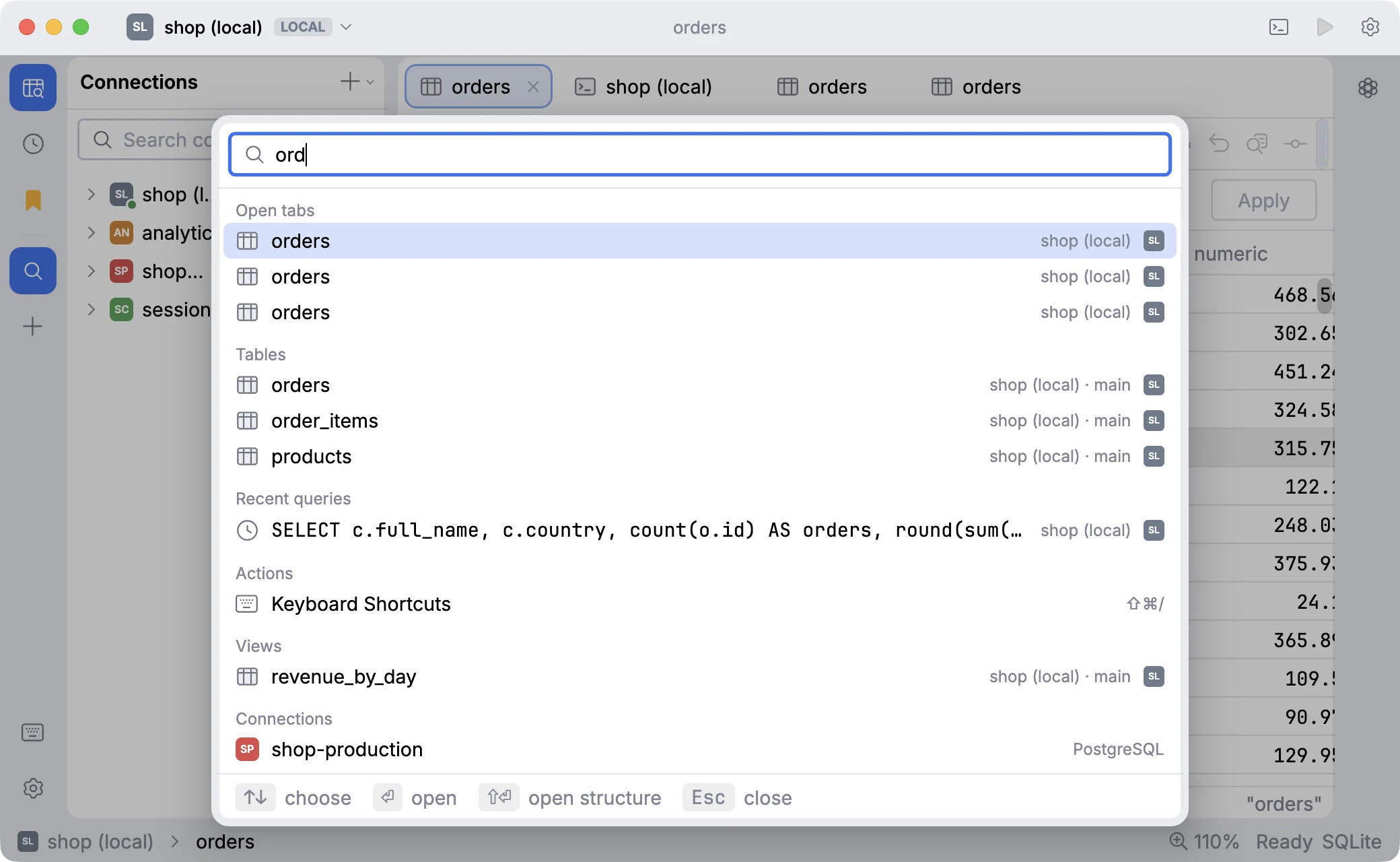
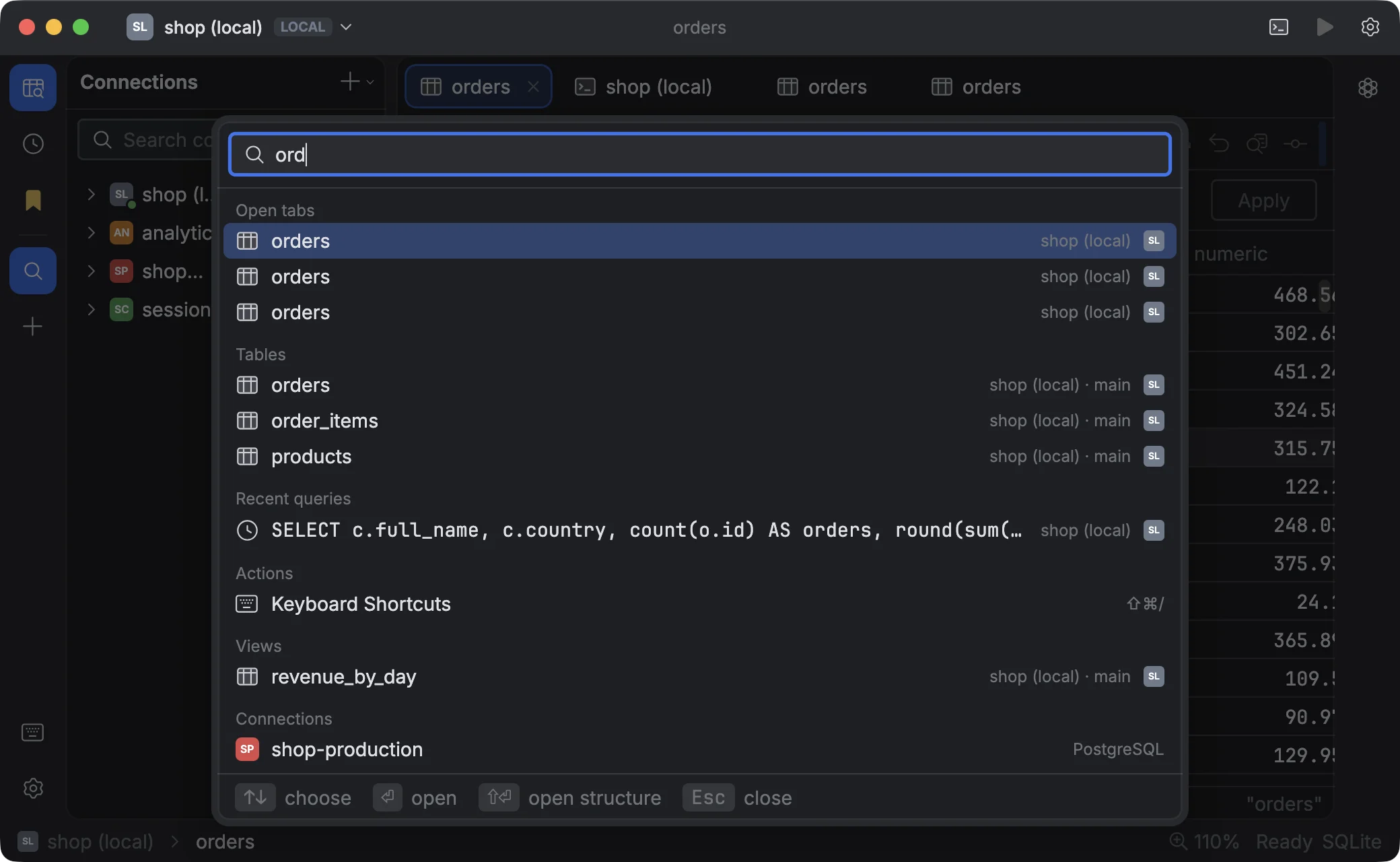
Matching is fuzzy by word starts: uo finds user_orders, ncon finds New Console.
| Key | Does |
|---|---|
| ↩ | Open the selected item |
| ⇧ ↩ | Open a table on its Structure view |
| Esc | Close |
Tip
With the DataGrip / IntelliJ keymap, Go to anything is ⌘ O instead. See Keyboard shortcuts.
#The window at a glance
| Area | What it is | Shortcut |
|---|---|---|
| Tool stripe (far left) | Buttons for the tool windows below, and the agent | |
| Connections | The explorer: connections, schemas, tables, columns | ⌘ 1 |
| Query History | Every statement you ran | ⌘ 2 |
| Saved Queries | Your .sql files | ⌘ 4 |
| Tabs (centre) | Consoles, tables, Activity, ER diagrams… | ⌘ W closes one |
| Agent (right) | The AI chat | ⌘ 3 |
| Status bar (bottom) | Breadcrumbs, the selection summary, warnings |
Press ⌘ B to hide or show the sidebar. Move between tabs with ⇧ ⌘ ] / ⇧ ⌘ [ or ⌃ Tab.
With no tab open, the workspace reminds you how to start: double-click a table to browse it, or press ⌘ T for a new console.
#Sessions
TableGrip remembers your workspace. When you quit and open it again, you get back:
- Consoles, including unsaved text and the caret position
- Tables, with their filter and whether Data or Structure was showing
- The tool window, the agent chat, the window size and the panel widths
The session is saved every few seconds while something changes, to ~/.tablegrip/session.json. Tables only load their
rows once their tab is shown, so a big session still opens quickly.
Quitting only asks about work a restart can't bring back: open transactions and unsubmitted edits.
What comes back at start is configurable in Settings → Startup & Layout: turn off Reopen tabs, or pick which tool window and whether the agent chat open first.
#Zoom
Make everything larger or smaller, for a projector or a small screen:
| Action | Shortcut |
|---|---|
| Zoom in | ⌘ = or ⌘ + |
| Zoom out | ⌘ - |
| Reset | ⌘ 0 |
Pinching on a trackpad zooms too. Levels go from 50% to 300%.